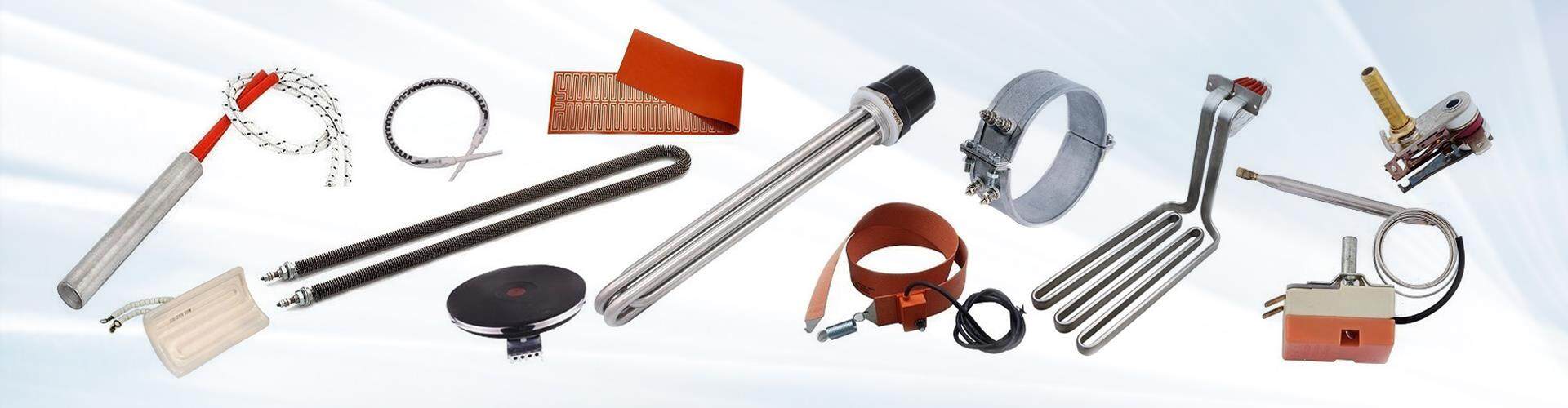
To use the JAYE KSD9700 thermal protector in lighting system applications, follow these steps for proper integration and optimal performance:
1. Choose the Correct Temperature Rating
Select a KSD9700 with an appropriate operating temperature range (typically between 50°C and 180°C) for the lighting application. This will ensure that the device activates when the temperature exceeds a safe threshold.
2. Identify the Wiring Configuration
KSD9700 comes with Normally Closed (NC) or Normally Open (NO) contacts. Typically, NC contacts are used in lighting systems to cut off the power when the temperature is too high, protecting the system from overheating.
3. Mounting the Protector
Mount the KSD9700 thermal protector near the heat-sensitive components of the lighting system, such as the LED driver or power supply unit. Ensure the protector's temperature sensor is exposed to the heat source for accurate temperature monitoring.

4. Wiring Integration
Connect the KSD9700 to the lighting system's circuit. The NC contacts will break the circuit and turn off the power when the temperature exceeds the set point, preventing damage from overheating. If using NO contacts, it will allow the circuit to close and resume operation once the temperature drops below the reset level.
5. Test the System
Once the KSD9700 is installed, test the system by running the lighting system and ensuring that the thermal protector activates as expected when the temperature reaches the set point. The system should power off when the temperature is too high and automatically resume operation once it cools down.
6. Maintenance and Monitoring
Periodically check the KSD9700's functionality to ensure it still activates and resets correctly. Over time, the thermal protector may need replacement if it becomes worn out or stops working.
Integrating the JAYE KSD9700 thermal protector ensures safety, efficiency, and longevity in lighting systems, especially in applications like LED drivers, fluorescent ballasts, and other temperature-sensitive lighting components.