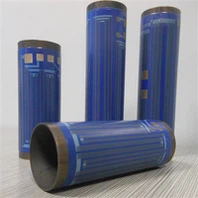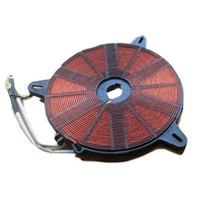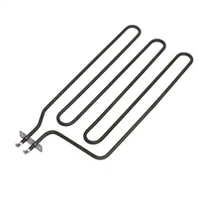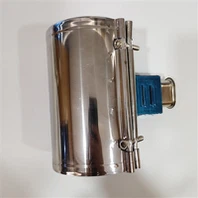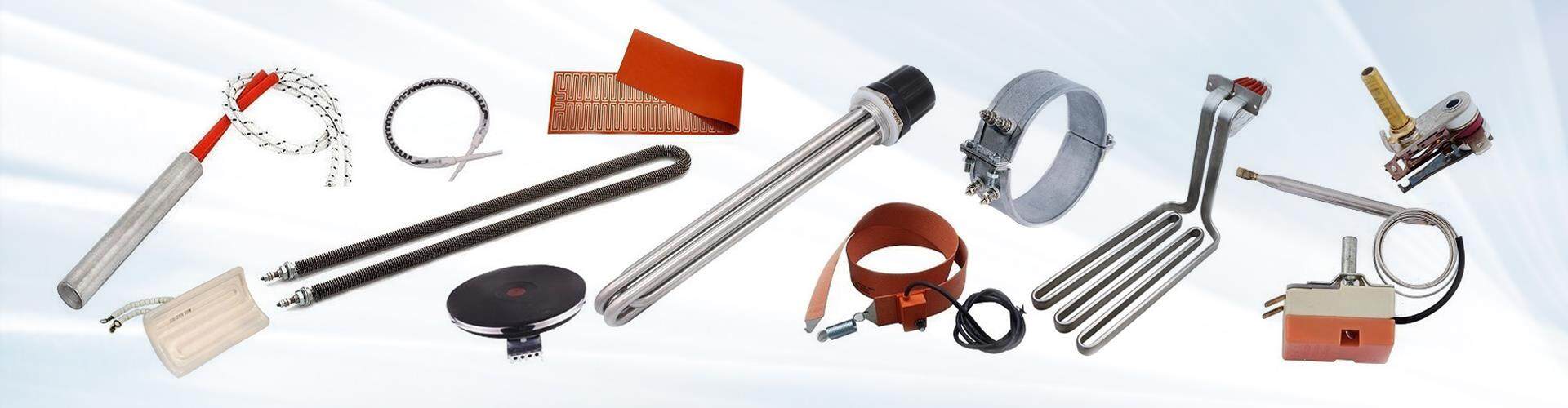
Replacing a 3D printer heater cartridge involves safely removing the old cartridge and installing a new one. Here's how to replace a 3D printer heater cartridge:
1-Turn off and unplug the printer: Before starting any work on the printer, make sure it is turned off and unplugged to prevent electrical shock.
2-Locate the heater cartridge: The heater cartridge is typically located in the hotend assembly of the 3D printer.
3-Remove the old cartridge: Use a wrench or pliers to loosen the set screw or other fastening mechanism that secures the old cartridge in place. Once it is loose, carefully remove the old cartridge from the hotend assembly.
4-Install the new cartridge: Insert the new heater cartridge into the hotend assembly, making sure it is aligned properly and fits snugly. Use the appropriate tool to secure the cartridge in place, such as tightening the set screw.
5-Reconnect the wires: Connect the wires from the new cartridge to the appropriate terminals on the printer control board. Make sure the wires are securely connected and free of any damage or fraying.
6-Test the printer: Turn on the power source and test the printer to ensure the new cartridge is working properly. Monitor the temperature and adjust the power source as needed to maintain the desired level of heat.
It's important to note that replacing a heater cartridge requires knowledge of electrical and mechanical systems, and it should be done carefully to avoid damage or injury. If you're not comfortable with the process, welcome to send an email to us for support.