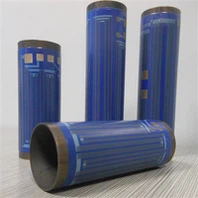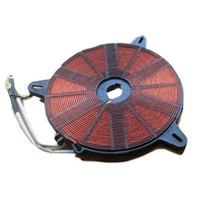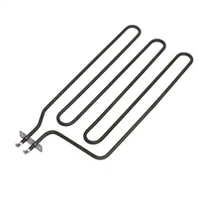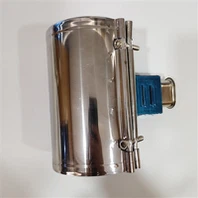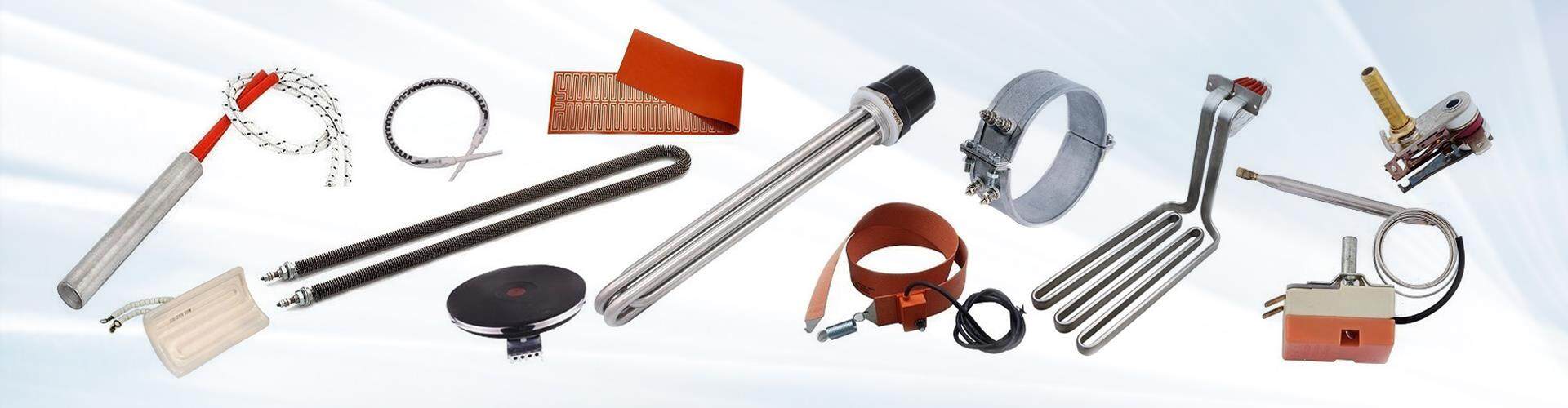
Installing a cartridge heater in a 3D printer typically involves the following steps:
1-Turn off the power: Before starting any installation work, it's important to turn off the power to the 3D printer and unplug it from the wall outlet.
2-Remove the old heater: If there is an existing heater in the printer that needs to be replaced, it should be removed carefully. The method for removing the old heater may vary depending on the specific printer model.
3-Clean the mounting hole: Once the old heater is removed, clean the mounting hole to ensure that it's free from debris or residue.
4-Insert the new heater: Carefully insert the new cartridge heater into the mounting hole, making sure that it's securely in place.
5-Connect the wires: Connect the wires from the new cartridge heater to the appropriate connectors in the printer, making sure to match the polarity correctly.
6-Secure the wires: Once the wires are connected, use zip ties or other suitable methods to secure the wires in place and prevent them from coming loose.
7-Turn on the power: After the new cartridge heater is installed and the wires are connected, turn on the power to the printer and test the heater to ensure that it's working properly.

It's important to refer to the manufacturer's instructions for specific guidance on installing a cartridge heater in a 3D printer, as the process may vary depending on the printer model and the type of heater being installed. Additionally, it's important to exercise caution and follow all safety procedures when working with electrical components.