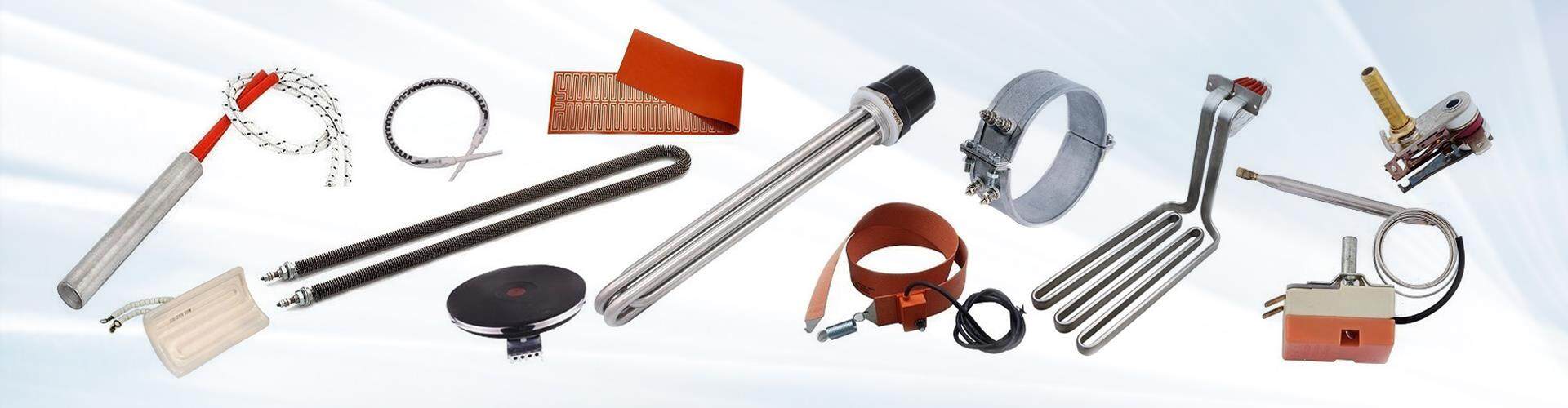
How to Maintain a 3D Printer Cartridge Heater for Maximum Lifespan?
Maintaining a 3D printer cartridge heater is essential for maximizing its lifespan and ensuring consistent, reliable performance throughout its usage. Proper maintenance can prevent overheating, degradation, and premature failure. Here's a detailed guide on how to maintain your 3D printer cartridge heater for maximum lifespan:
1. Regularly Inspect the Heater
Visual Inspections: Periodically check the cartridge heater for visible damage, including cracks, wear, or corrosion on the outer casing. If the casing is damaged, the heater may be exposed to environmental factors like moisture or contaminants, which can shorten its lifespan.
Check for Degradation: Look for signs of degradation, like discoloration or signs of excessive heat, which may indicate improper usage or temperature control issues.
2. Clean the Heater and Surrounding Components
Keep It Clean: Ensure the heater and surrounding components (such as the hotend or extruder) are free from dirt, dust, and filament residue. Excessive buildup can hinder heat transfer and lead to uneven heating.
Use Compressed Air: Use compressed air to gently blow away dust and debris around the heater. Be careful not to push debris into areas where it could cause blockages.
Avoid Harsh Cleaners: Don't use harsh chemicals to clean the heater as they might damage the insulation or cause corrosion. A clean, dry cloth is usually sufficient for surface cleaning.
3. Monitor Temperature Stability
Avoid Overheating: Keep the heater within the temperature range recommended by the manufacturer. Running it at excessively high temperatures for extended periods can shorten its lifespan. Use temperature controllers that are calibrated for accuracy.
Check Temperature Sensors: Ensure that the temperature sensor (thermocouple or thermistor) is functioning properly, as inaccurate temperature readings can lead to overheating or underheating.